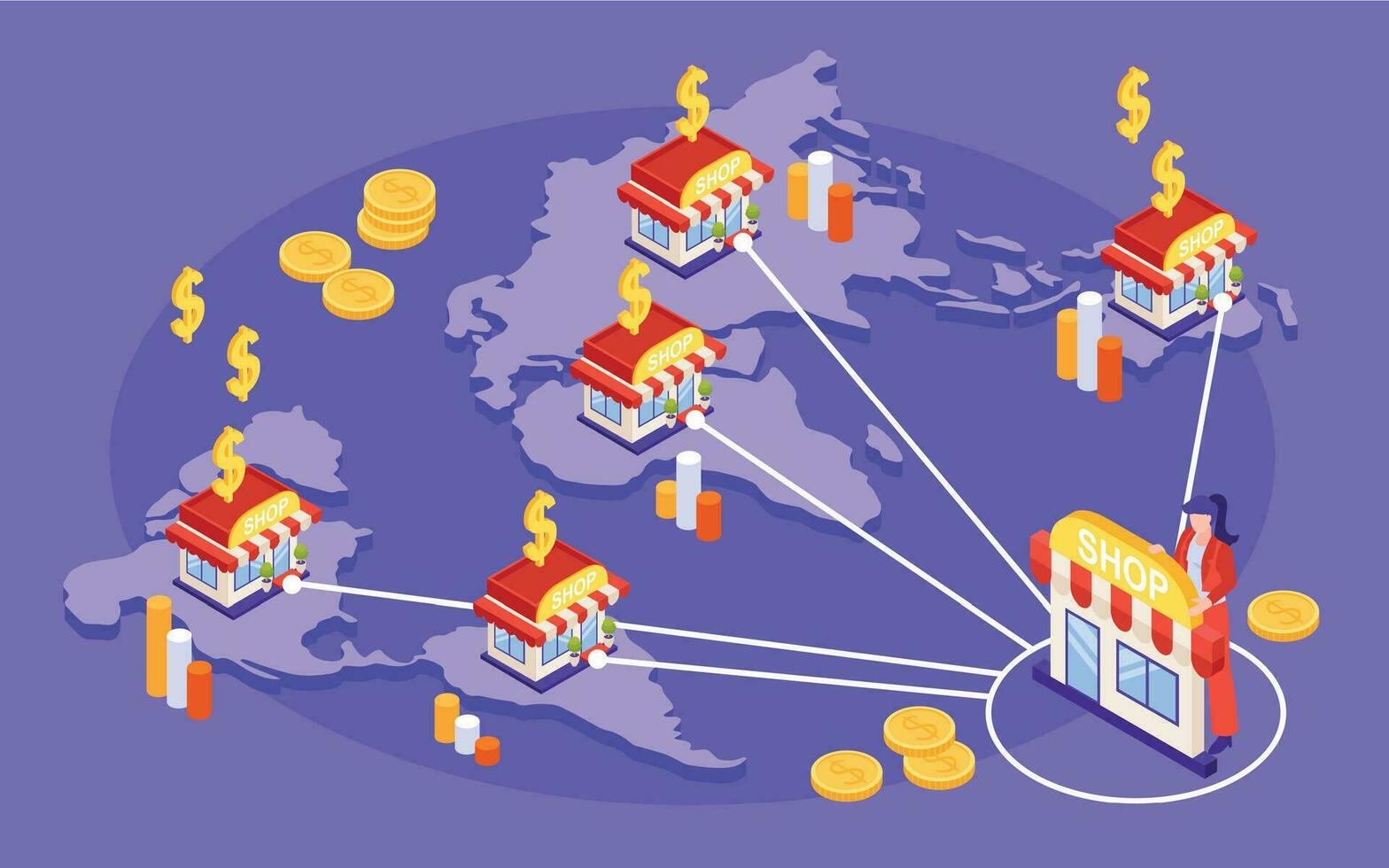
Territory Targeting for Franchises: Prevent Overlap, Reduce Waste, and Protect Local Markets
Summary
Best for: Franchise operators + regional managers running local direct mail at scale
Fastest win: Draw branch territories as polygons and enforce “no-overlap” rules
Simple rule: Your territory is not a ZIP code — it’s a boundary with rules
In a franchise system, targeting is more than “pick a ZIP and send.” Two nearby branches can accidentally mail the same neighborhoods, confuse customers, and waste money — or worse, create friction between operators.
This article is a playbook for franchise operators and regional managers to define clear territories, prevent overlap, and build a repeatable “where to mail next” system using street-level targeting, visibility into the mailing area, and exclusion lists.
Define territories the right way (and when to use each method)
The best territory definition is the one that matches how customers actually behave — not how the post office labels a region.
The three common ways to define a territory
- Radius — best for “drive time” businesses (e.g., urgent HVAC, plumbers)
- Polygon (custom boundary) — best for real territories (franchise zones, natural neighborhoods)
- ZIP codes (fallback) — use only when you need a fast starting point
How to choose quickly
- Use radius when your operations are based on response speed (“we serve within 30 minutes”).
- Use polygons when you want clean branch separation and long-term consistency.
- Use ZIPs only when you’re testing or you don’t have a defined zone yet.
ZIP codes often contain mixed demographics and scattered housing types. Polygons give you the control you need to target the right streets — and exclude the wrong ones.
Rules that prevent overlap between neighboring branches
Overlap happens by default unless you actively prevent it. You need simple rules that are enforced every time.
Overlap prevention rules (pick a standard)
- Hard boundary rule — no household can be mailed by a branch outside its polygon
- Buffer zone rule — add a small “neutral strip” (e.g., 0.25–0.5 miles) near borders to avoid accidental overlap
-
Priority rule — if overlap is allowed, decide ownership by:
- closest branch to the address, or
- territory assignment table, or
- most recent customer relationship
A simple enforcement approach
- Store each branch territory (polygon) in your system
-
When a branch selects an area, validate it against:
- its own territory polygon, and
- neighboring polygons
- Block or warn when overlap is detected
- Log exceptions (so regional managers can review and fix boundaries)
When overlap is unavoidable (dense metro areas), require an explicit “exception reason” so exceptions don’t become the norm.
Exclusion lists: the easiest way to cut waste fast
Exclusion lists are how you keep campaigns relevant, avoid compliance issues, and protect branch markets.
Must-have exclusions (every branch)
- Existing customers — don’t pay to market to someone who already converted
- Do-not-mail list — opt-outs, complaints, and compliance rules
- Recent leads — avoid re-mailing someone who just got contacted
- Non-target addresses — P.O. Boxes, businesses (if residential campaign), vacant lots
- Other branch zones — addresses that belong to neighboring territories
Territory-aware exclusions (for franchises)
| Exclusion type | Why it matters | Who owns it |
|---|---|---|
| Existing customers | Reduces waste, avoids annoyance | Branch |
| Do-not-mail | Compliance + brand protection | Corporate |
| Recent leads | Prevents “too many touches” | Branch/CRM |
| Neighboring branch zones | Prevents internal conflict | Ops/Regional |
| Special accounts (enterprise) | Avoids competing messages | Corporate |
Exclusions are not “negative targeting.” They’re how you make your list more valuable.
A shared playbook: “Where to mail next” using order history maps
Once you have history, you can stop guessing. Your best next neighborhoods are usually visible in your data.
What to visualize
- Past order density — where customers already trust you
- Response pockets — streets that produced leads or calls
- Coverage gaps — parts of the territory you haven’t mailed in 6–12 months
- Seasonal patterns — “spring cleanups” vs “winter emergency” zones
- Waste zones — areas with lots of mail but no conversions
Simple “mail next” rules that work
-
Rule #1: Expand from winners
Mail the closest neighbors around your best customers and recent jobs first. -
Rule #2: Build route density
Prefer neighborhoods that reduce drive time and increase repeat visibility. -
Rule #3: Rotate coverage
Mail different sub-areas on a cadence (e.g., A/B/C zones monthly) so you stay present without blasting the same homes. -
Rule #4: Always apply exclusions
Customers + do-not-mail + recent leads + out-of-territory = excluded by default.
A great territory system makes it easy for a manager to answer: “Show me what we mailed last month, and what we should mail next month.”
Final Recommendation
Protect franchise markets by mailing inside clear, enforceable territory rules.
Start simple:
- Step 1Define territories as real boundaries, not loose ZIP assumptions
- Step 2Use exclusions and overlap checks before campaigns launch
- Step 3Give branches confidence that local marketing will not create internal conflict
Share your business type and target area, and we can suggest a focused next campaign.
Explore Neighborhood Postcards